
AI photo enhancer
Unblur image details in portraits
Improve photo quality for soft selfies, profile photos, and client headshots with clearer eyes, hair, fabric, and skin texture without an overprocessed look.
Enhance low-resolution images, recover fine detail, and create clearer results in one simple image upscaling workflow.
Upload Image
Add up to 5 images at once.
You can select or drag up to 5 images.
Supports JPG, PNG, WEBP, ZIP formats, max 20.00MB each
Upload files or paste
Try an example image
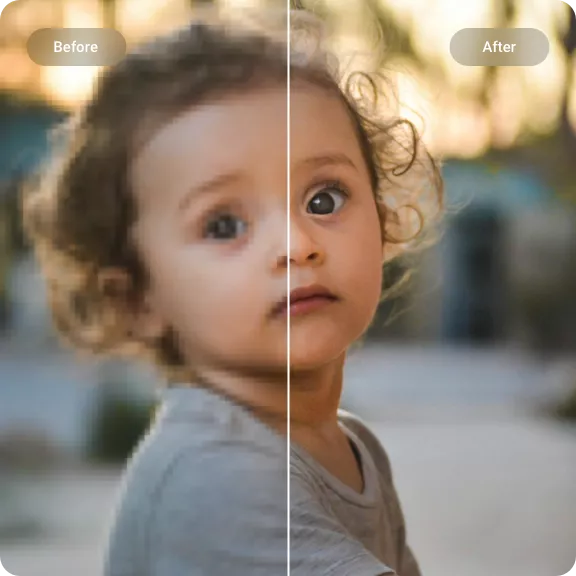
Choose a scene, then drag the handle to compare the soft source with the clearer result.
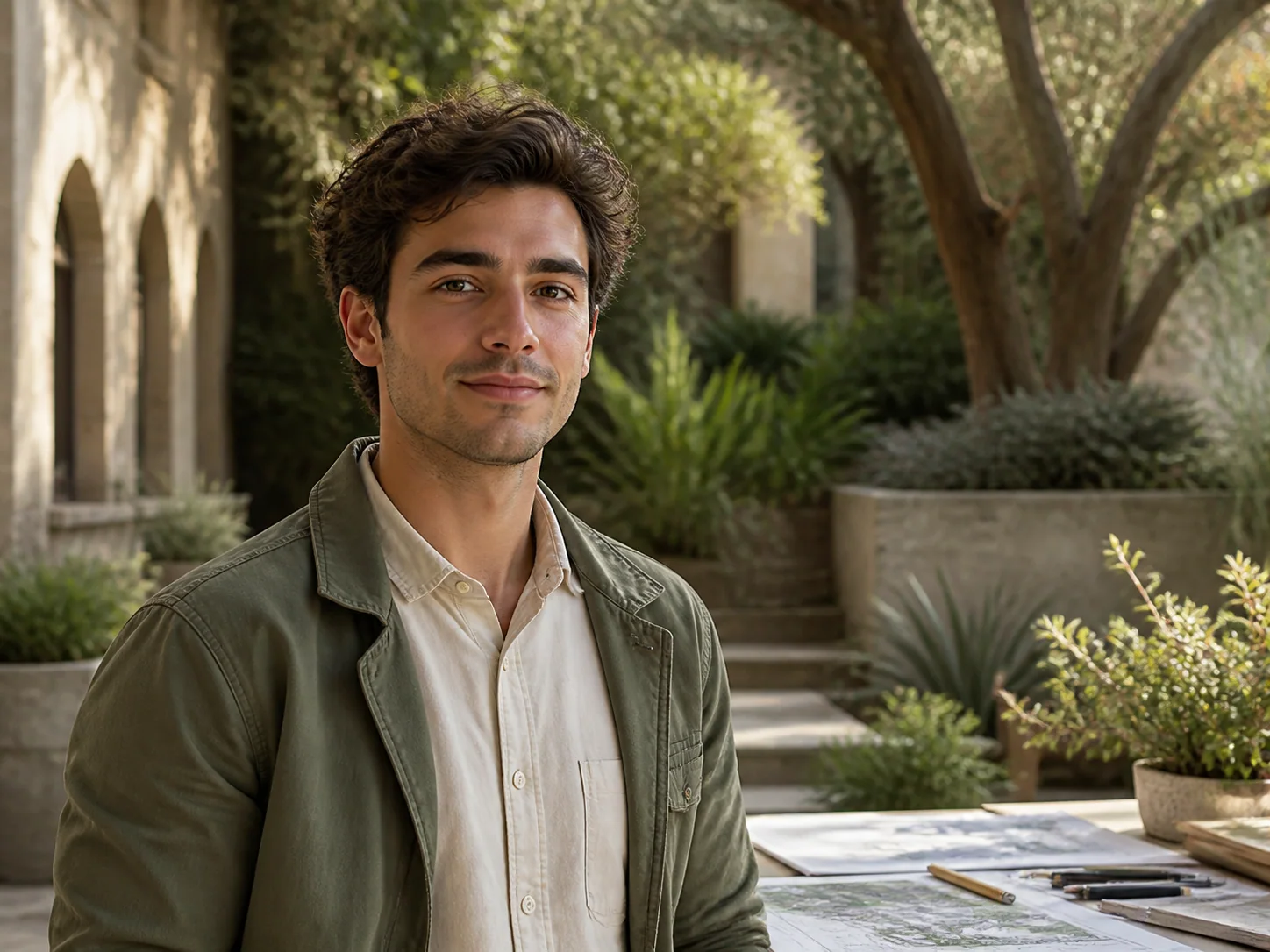
Upscale image quality online in 2x, 4x, 6x, or 8x, from old photos and portraits to product images and bulk files.
AI photo enhancer
Improve photo quality for soft selfies, profile photos, and client headshots with clearer eyes, hair, fabric, and skin texture without an overprocessed look.
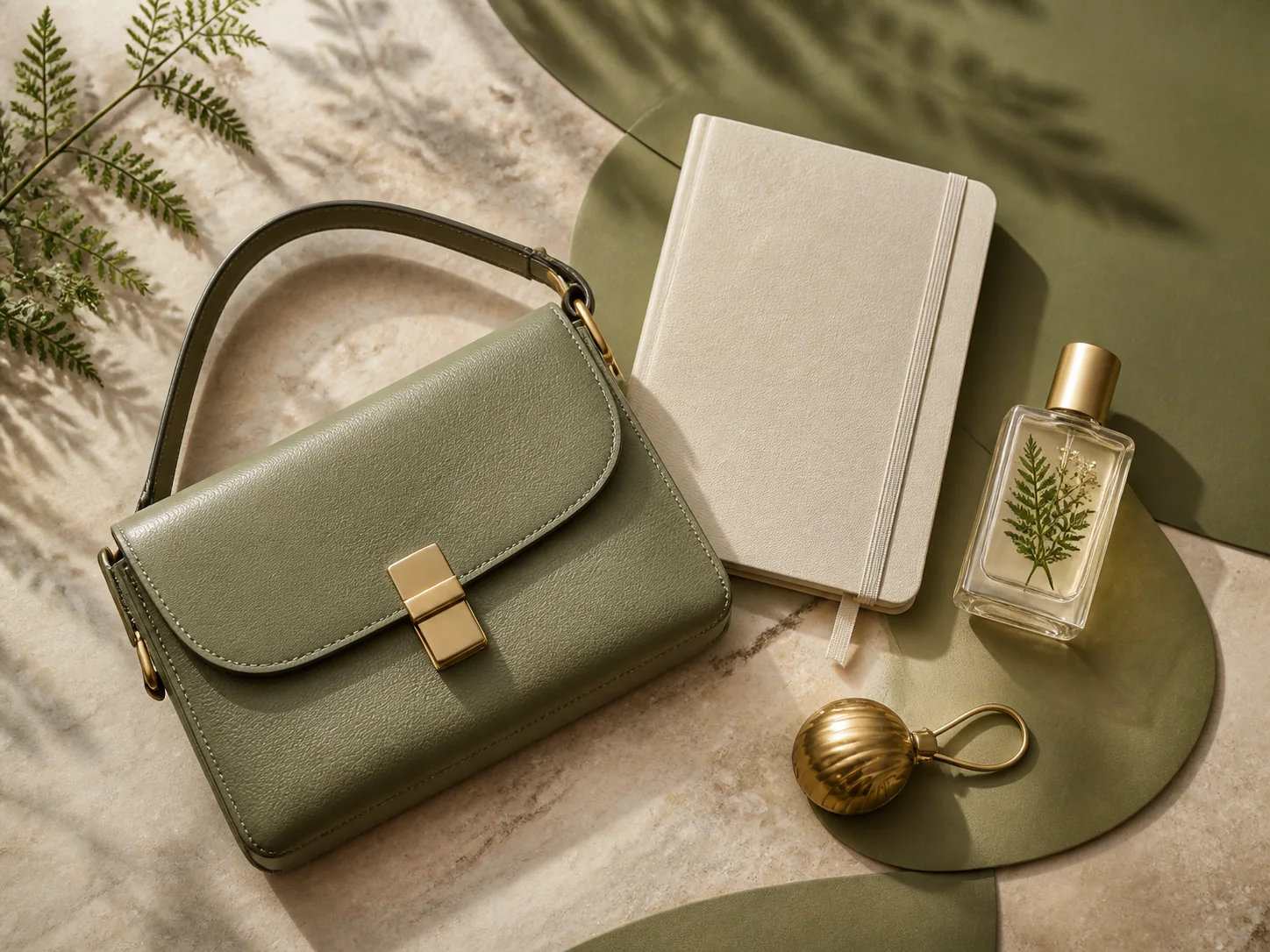
Product image upscaler
Upscale catalog images, recover material texture, and clean up edges for ecommerce pages, social ads, presentations, and marketplace listings.
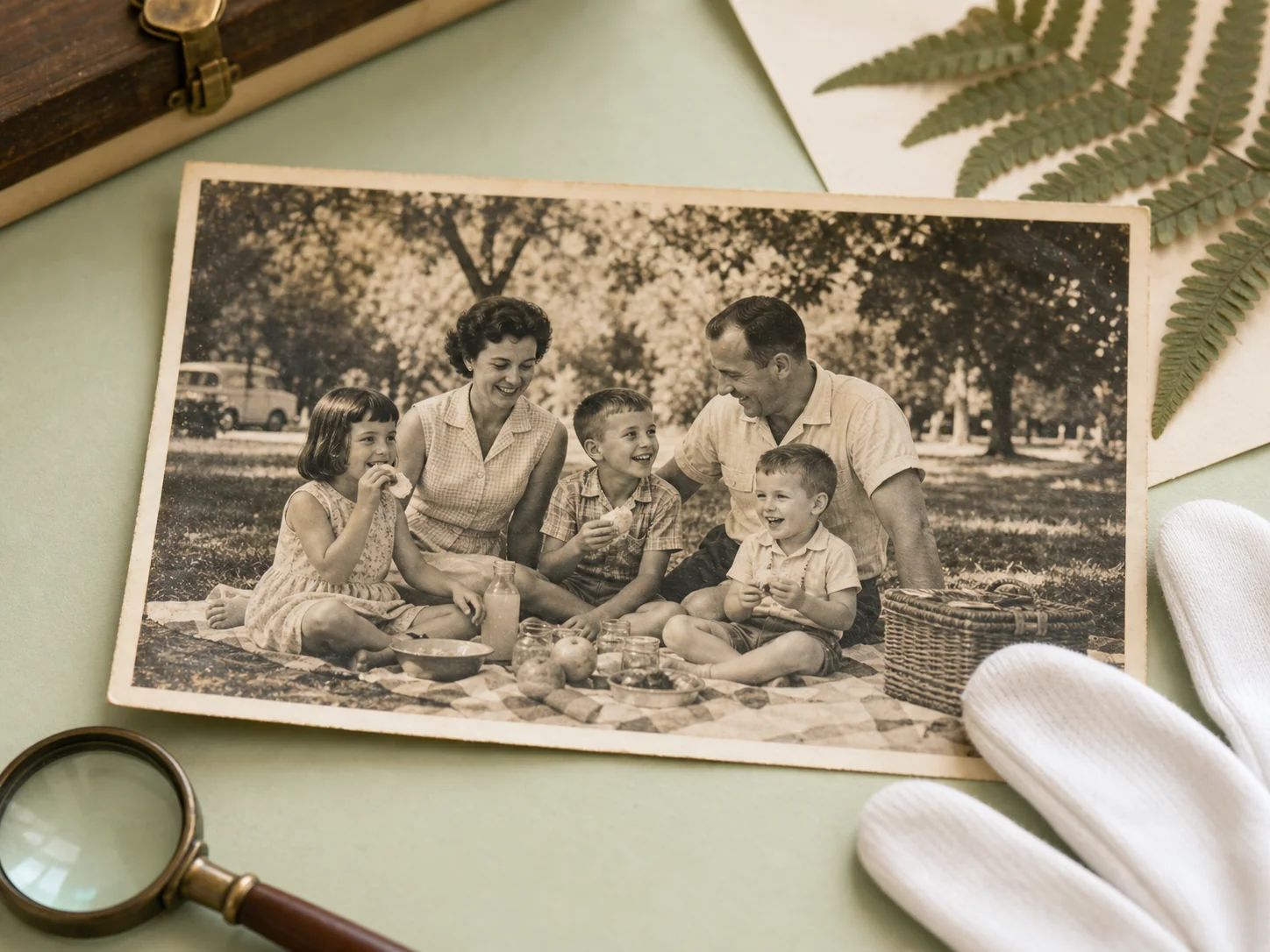
Old photo restoration
Enhance faded, blurry, or low-resolution family photos with better clarity while preserving faces, grain, and the character of the original.
Add portraits, products, artwork, and old photos to one queue for batch image upscaling, then keep the same 2x, 4x, 6x, or 8x choices across the full set.
Open the workspaceportrait-image.png
Standard enhancement · 2×
product-image.png
Standard enhancement · 2×
anime-image.png
Standard enhancement · 2×
old-photo-image.png
Standard enhancement · 2×
Upscale images online, increase resolution, enhance photo quality, and run single or bulk batches with a fast AI image upscaler.
Upload a JPG, PNG, or WebP image in your browser and upscale images in seconds. No complicated photo editing software is needed to enlarge low-resolution images and improve image quality.
Use batch image upscaling for multiple photos, product images, marketing assets, and creative files. A bulk image upscaler helps you process more images with less repetitive work.
Increase image resolution for web, print, ecommerce, social media, presentations, and design work. Upscale Image helps turn small or pixelated images into larger high-resolution visuals.
Enhance photo quality, sharpen details, reduce a soft or blurry look, and recover clearer edges while keeping faces, products, artwork, and old photos natural.
Use the same online image upscaler on desktop, tablet, or mobile. Upload images, run single or batch enhancement, preview results, and download from one clean workspace.
Compare the original image with the AI upscaled result, check sharpness and detail recovery, then download a cleaner high-resolution image when it is ready.
A simple path from a small source file to a clearer, downloadable result.
Choose a supported image, add a group of files, or paste a direct HTTPS image URL.
Set the enlargement level and select the mode that matches portraits, products, artwork, or restoration.
Compare the result, confirm the detail, and download one finished image or your completed batch.
A few words from people using clearer images in real projects.
Drag or scroll to explore more stories
“The product textures stay believable, and the batch view makes it easy to prepare a full catalog without losing track of files.”
 Maya ChenProduct photographer
“I can enlarge client artwork for presentations and still keep the small line details that usually disappear in a normal resize.”
 Jordan EllisIndependent illustrator
“For scanned family photos, the preview helps me judge the result before I export. It feels careful instead of overprocessed.”
 Anna KellerPhoto archive specialist
“Our marketplace images look noticeably cleaner at larger sizes, without turning fabric and packaging into artificial-looking textures.”
 Lucas MartinE-commerce manager
“The side-by-side preview makes client approvals much easier. Everyone can see exactly what changed before I deliver the final files.”
 Sofia ReyesBrand designer
“I use it for property photos that arrive too small for listing pages. The results are crisp, fast, and ready to publish.”
 Daniel FosterReal estate editor
“Details in my scanned drawings hold together beautifully, even when I need a much larger version for a print or presentation.”
 Nora BennettPrint artist
“Being able to process a whole set with consistent settings has removed a repetitive step from every campaign we prepare.”
 Ethan ParkContent producer
An AI image upscaler increases image resolution and enlarges low-resolution images while improving edges, textures, and visible detail.
AI upscaling is designed to enhance photo quality, sharpen details, and reduce pixelation better than basic resizing. The final result still depends on the original image.
You can upload common image formats including JPG, JPEG, PNG, and WebP, or use a supported direct HTTPS image URL.
Yes. You can add multiple files to the batch workflow, keep them in one queue, preview each result, and download the finished images.
Yes. Choose the enlargement level that fits your image, from quick 2x upscaling to larger 4x, 6x, or 8x high-resolution output.
Start with one image, compare the detail, and build a batch when you need more.
Upload an image